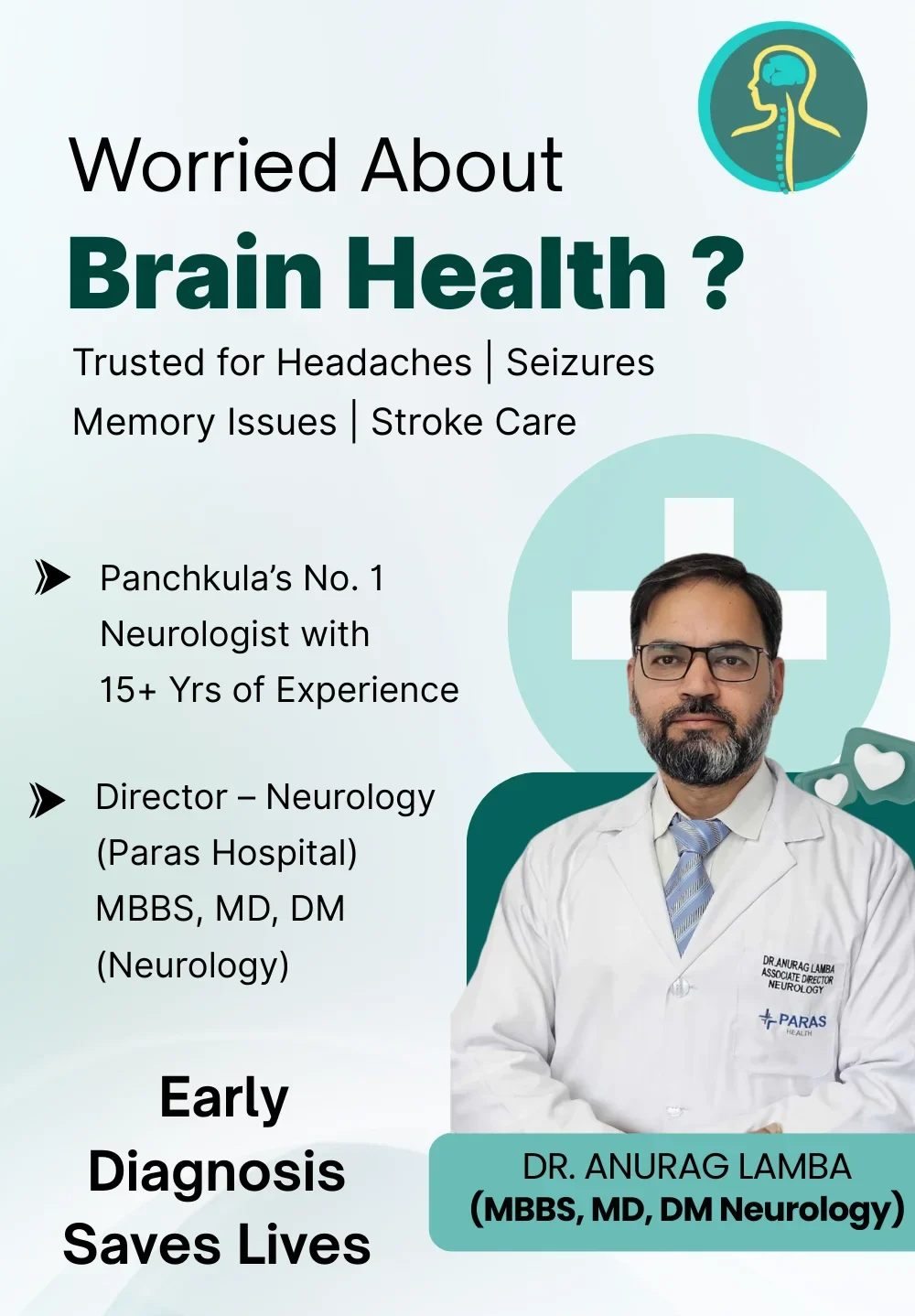
If you’re searching for the simplest way to book an appointment with Dr. Anurag Lamba — whether for migraines, stroke recovery, or neurological checkups — Google Maps can help you do it in under 5 minutes. This guide walks you through every step with no jargon, just clarity.
1. Open Google Maps on Your Device
Grab your phone or laptop and open the Google Maps app or go to maps.google.com. It works on Android, iPhone, or any browser.
2. Search “Dr. Anurag Lamba Neuro Clinic Panchkula”
In the top search bar, simply type: Dr. Anurag Lamba Neuro Clinic Panchkula. You’ll see his clinic listing appear with address, reviews, and photos.
You can also type “Neuro Clinic Panchkula” — both work.
3. Tap on the Clinic Profile
Click on the clinic’s name to open the full Google Business profile. Here, you’ll find:
- Full address: Sector 7, Panchkula
- Opening hours
- Reviews from real patients
- Photos of the clinic entrance and waiting area
4. Use ‘Directions’ to Find Your Route
Click on Directions to get the fastest way to the clinic — whether you’re driving, walking, or using public transport. Real-time traffic is shown.
It even suggests nearby parking.
5. Click the ‘Call’ Button to Speak Directly
Under the clinic name, you’ll see a Call icon. Tapping this lets you speak with the clinic directly. This is useful if:
- You want to confirm timings
- You have reports to discuss beforehand
- You’re sending someone else to visit
6. Look for ‘Book Appointment’ or Website Link
If the Google profile has it, click on Website or Appointment. This opens the official booking page:
Here, just enter your name, phone, and preferred time. The clinic team will call you back for confirmation.
7. Use ‘Save’ or ‘Share’ for Later Use
If you’re booking for a parent or relative, hit Share to send the clinic link via WhatsApp or SMS. You can also click Save to add it to your starred places for easy access.
8. Check Reviews and Browse Photos
Before visiting, scroll down and read what others have shared. Most reviews highlight Dr. Lamba’s calm nature, accurate diagnosis, and helpful staff. Photos of the waiting area and consultation room can give you an idea of what to expect.
Why Google Maps Booking Works Well
- No app downloads needed
- No waiting on long phone calls
- Directions, call, and booking all in one place
For many patients, this method is faster and less confusing than hospital portals.
If you prefer personal help, you can still go old-school:
📍 Visit: Neuro Clinic, Sector 7, Panchkula
📞 Call: Available on the listing or website
💻 Or directly book here: https://whatsform.com/RyzQUM
Whether it’s for yourself or someone in your family, starting with the right neurologist changes everything. And with tools like Google Maps, finding expert care is now just a click away.